Avast SecureLine VPN subscription
Entering activation code
To activate Avast SecureLine VPN using an activation code:
Locate your activation code. It is included in personal account page.
After accessing the code, please download and install the Avast SecureLine VPN on your device (yoo can do so using the "Install" button in your personal account page)
Double-click the Avast SecureLine VPN icon on your Windows desktop and open the application.

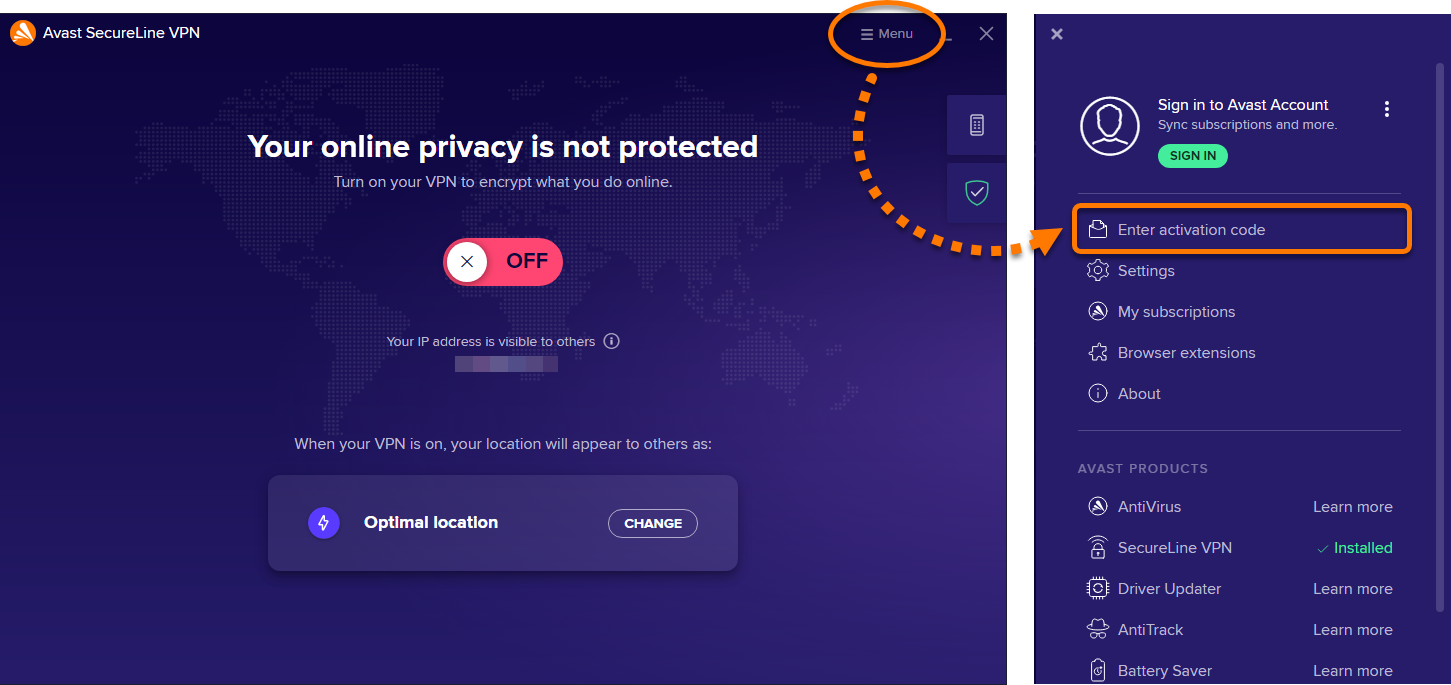
Go to ☰ Menu ▸ Enter activation code.
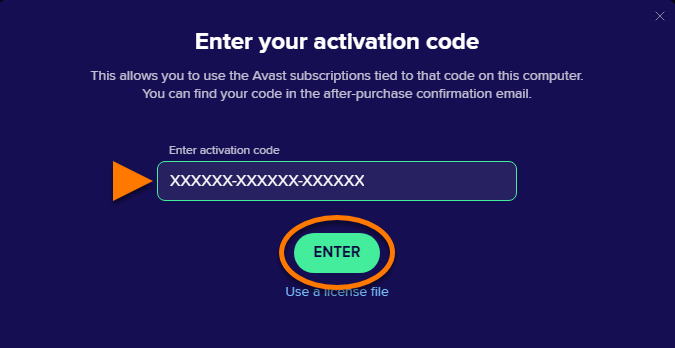
Type or paste your activation code (including hyphens) into the text box, then click Enter.
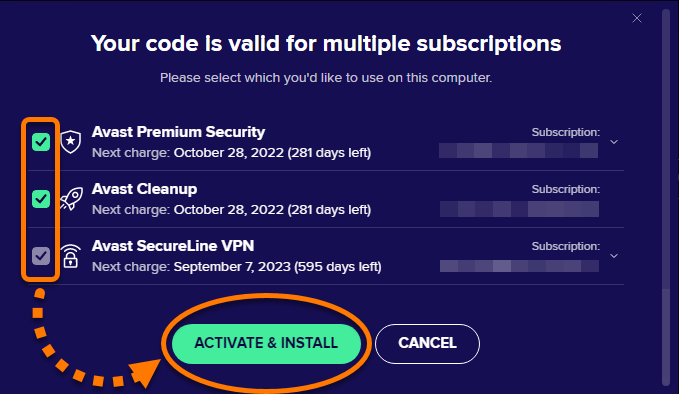
If more than one product is associated with your activation code, ensure the products you want to use are selected, then click Activate & install.
The products you've selected will be installed and activated automatically.