AVG Internet Security
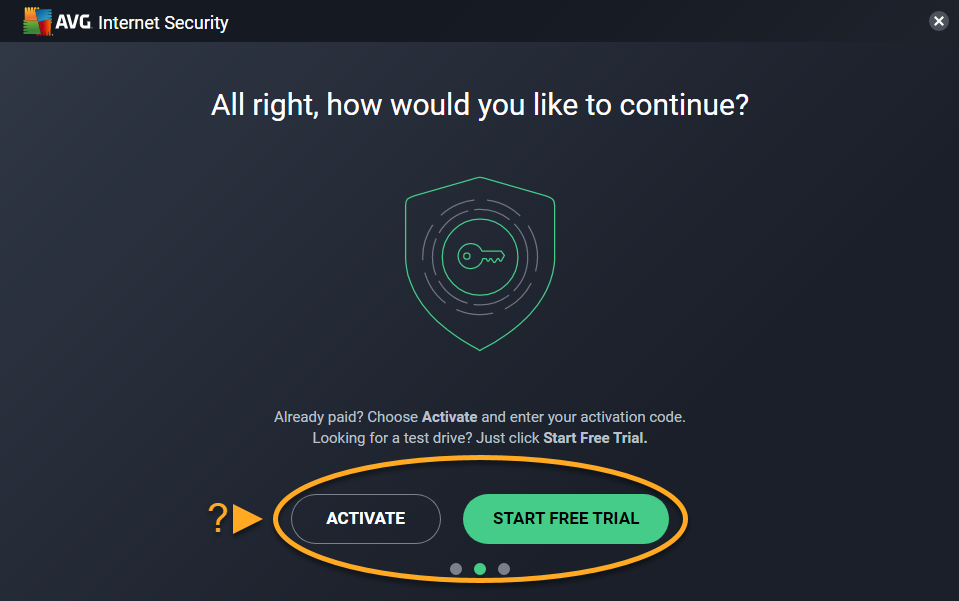
AVG Internet Security is a paid product that requires a subscription to use. This article explains how to install the application and either activate an existing subscription, or start a free-trial period.
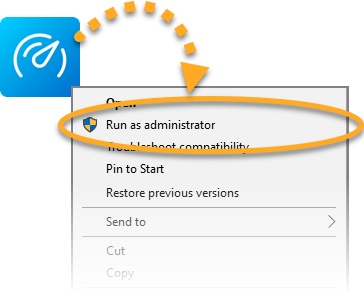
Right-click the downloaded setup file avg_internet_security_setup.exe and select Run as administrator from the context menu.
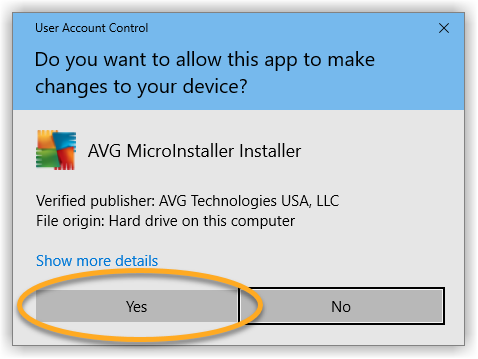
If prompted, click Yes in User Account Control dialog box
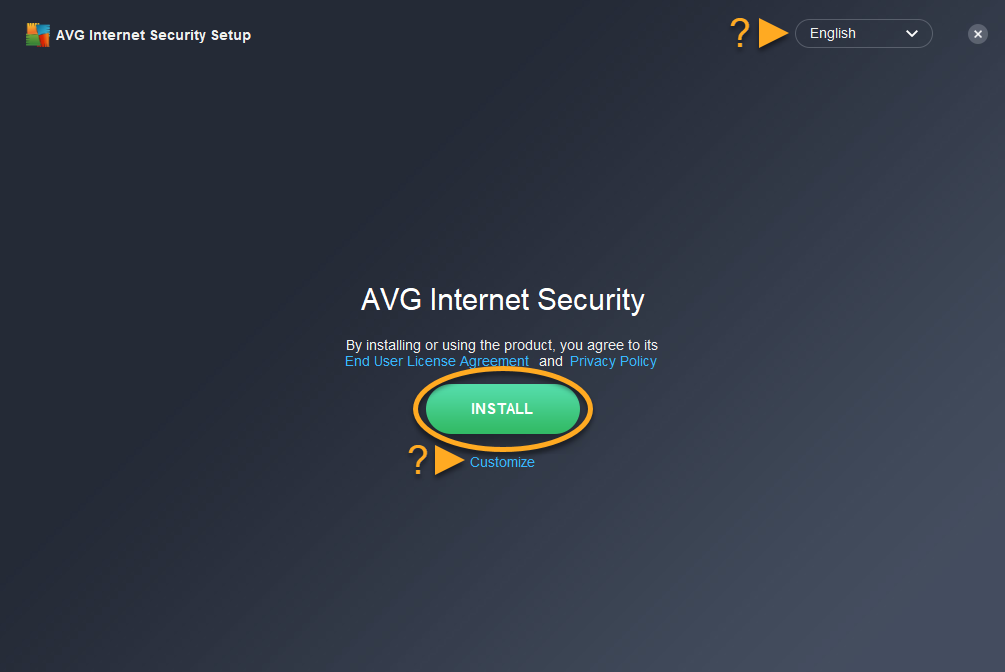
To change the default setup language, click the current language in the top-right corner of the screen. Then, click Install to proceed with default installation, or click Customize if you want to make changes to the default setup.
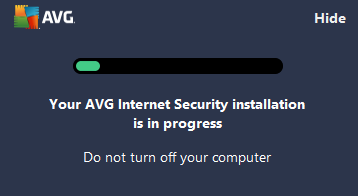
Wait while setup installs AVG Internet Security on your PC.
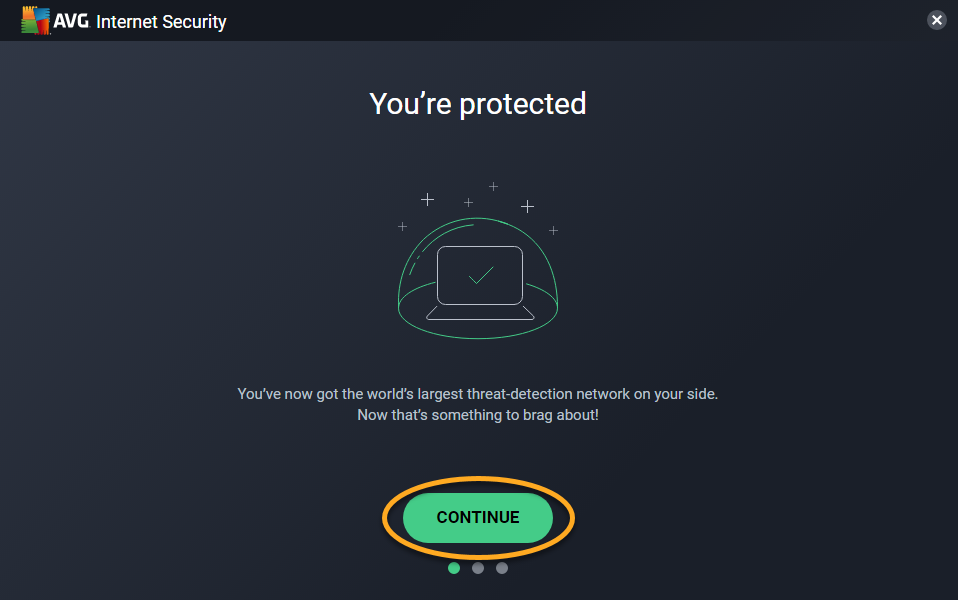
Click Continue from the You're protected screen.
Activate: If you purchased AVG Internet Security before installation, activate your paid subscription.